TBCS P3 - Cables, Connectors, and DIs
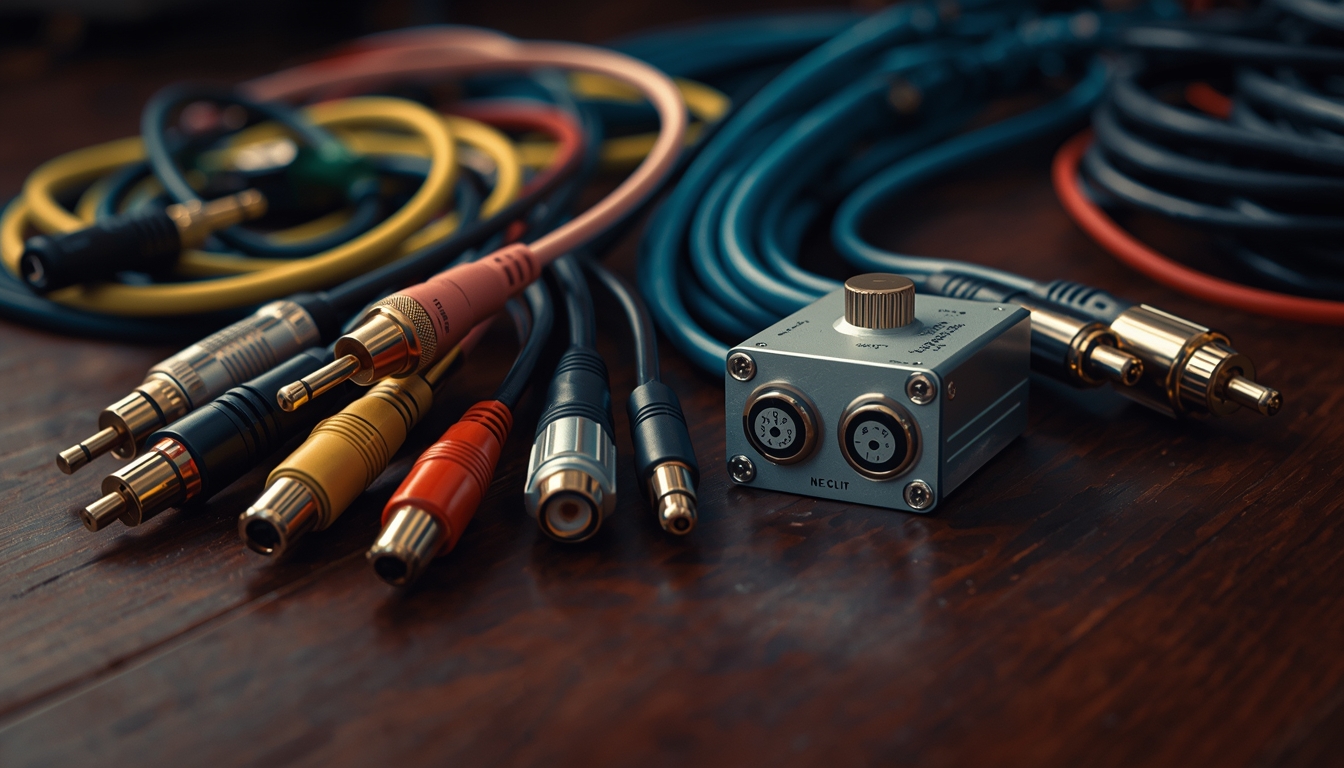
Hello 👋🏾
Welcome to Part 3 of this series.
In this part, we’re going to talk about cables, connectors, and DI boxes.
To be honest, this is one of those topics that sounds simple, but once you start digging, you quickly realize it touches a bit of physics, electronics, and electrical concepts. Don’t worry — that’s not what this series is about.
My goal here is not to teach you all the physics behind audio signals.
My goal is to help you:
- Make correct connections
- Understand why certain cables and devices exist
- Stop guessing and start connecting things intentionally
I’ve also attached extra resources and videos for this part. Please — please — watch them after you've read this.
This series is meant to open your eyes, and those resources are there to help you go deeper when you’re ready.
Abeg, I beseech thee therefore, brethren, by the mercies of God, watch those videos 🙂.
Resources:
- Audio signal levels explained | Mixed Signals
- Balanced vs Unbalanced Audio | Audio University
- The ultimate guide to Audio Cables and Connectors | Audio University
- What is a DI box? | Audio University
- Active VS Passive DI box | Audio University
- High Impendance vs Low Impendance | Audio University
Anyways... Let's get into it.
A Quick Reminder: Signal Chain
From Part 2, we talked about the signal chain:
- Sound source
- Mixer
- DSP (external or built-in)
- Amplifier
- Loudspeakers
And we said something very important:
The output of one device becomes the input of the next device.
But here’s the obvious question we haven’t fully answered yet:
How do all these things actually connect together?
Of course, they don’t connect wirelessly (most of the time), and they definitely don’t connect magically.
They connect using cables.
And those cables carry signals.
So before we talk about cables, we need to understand the signals they carry.
Not All Sound Sources Produce the Same Signal
Every sound source in your church does not produce the same kind of signal.
This is very important.
In church audio, there are three main signal types you need to understand:
- Mic Level
- Instrument Level
- Line Level
There are other signal types (speaker level, phono level, etc.), but for now, these three are what you’ll work with the most.
Mic Level Signal
A mic level signal is produced by microphones. When a singer sings into a microphone, the microphone converts sound into an electrical signal, and that signal is very, very low, it is not strong enough to be processed directly.
That’s why mixers have mic preamps.
The preamp’s job is simple:
Take a very weak mic-level signal and boost it to a usable level.
This is also why microphones usually use XLR cables, microphones can plug directly into mixers, and microphones do not need DI boxes
Instrument Level Signal
Instrument level signals are produced by things like Electric guitars, Bass guitars, Some acoustic guitars with pickups, etc.
Instrument level is:
- Stronger than mic level
- Weaker than line level
- Not what your mixer prefers
This is very important:
Instrument level signals should not be plugged directly into mixer mic inputs.
Yes, it might work sometimes.
But it’s not correct, and it often introduces:
- Noise
- Hum
- Poor tone
- Inconsistent levels
Something needs to happen before the signal reaches the mixer.
This is where the DI box comes in.
Please see this video to understand these signal types more - Audio signal levels explained | Mixed Signals .
Line Level Signal
Line level signals are produced by equipment like:
- Keyboards
- Synths
- Playback devices
- Audio processors
- Interfaces
Line level signals are, strong, stable, and designed to move between audio devices.
Some mixers can accept line level signals directly (you’ll see inputs labeled Mic / Line), but in many church setups, it’s still cleaner and safer to convert them properly and feed the mixer what it prefers.
Again, this is often done using a DI box.
So What Does a DI Box Actually Do?
A DI box (Direct Injection / Direct Input) sits between a sound source and the mixer.
Its job is simple:
Convert a signal the mixer doesn’t like
into a signal the mixer does like.
In practical terms, a DI box does the following:
- Takes instrument or line level
- Converts it to mic level
- Balances the signal
- Reduces noise
- Makes long cable runs safe
That’s it.
You don’t need to understand all the physics behind it right now — just understand its role in the signal chain.
Cables and Connectors
Signals don’t travel by themselves.
They travel through cables.
Common cables you’ll see in church include:
- XLR
- TS (¼”)
- TRS (¼”)
- Speaker Cables
Each cable type is designed to carry specific kinds of signals.
For example, Microphones usually output XLR, Guitars usually output TS, and DI boxes usually output XLR
The cable you use matters because it determines what kind of signal can pass, how much noise is introduced and how far the signal can travel cleanly.
Balanced vs Unbalanced Signals (The Big Idea)
As signals travel through cables, they can pick up noise — hum, buzz, interference.
This is where balanced and unbalanced signals come in.
Unbalanced Signals
Looking at an Unbalanced signal at the basics, they:
- Carry audio on one conductor
- Pick up noise easily
- Work best over short distances
Most instrument outputs are unbalanced (the bass guitar in your church, electric guitar, etc)
Balanced Signals
Balanced signals are like the opposite; they carry the same audio signal twice, and find a way to cancel the noise picked up along the way. Because of this, they can send much cleaner signals over long distances (this is why your audio-link cables can be very very long).
Microphones and DI box outputs are balanced. That's why you'll see DI boxes in your church and you'll see that you work with XLRs the most.
I’ve attached videos that explain this visually above — please watch them. They’ll make this click properly.
If you don't remember anything at all...
Here’s what I want you to remember from this part:
- Different sound sources produce different signal types
- Your mixer has a preferred signal type
- If the source doesn’t match the mixer, something must sit in between
- DI boxes exist to make that conversion cleanly
- Cables are not random — they’re chosen based on the signal they carry
Once you start thinking in signals and not just gear, things will begin to make more sense. You begin to see things clearly, and you can make proper judgement.
Please, please, please — watch the attached resources.
That’s where topics like impedance matching and deeper explanations are covered properly.
Thanks for sticking around.
We’ll continue in the next part.